

Step 1: Visit Supadata.ai
Step 2: Click the Sign In button at the top right corner of the page.
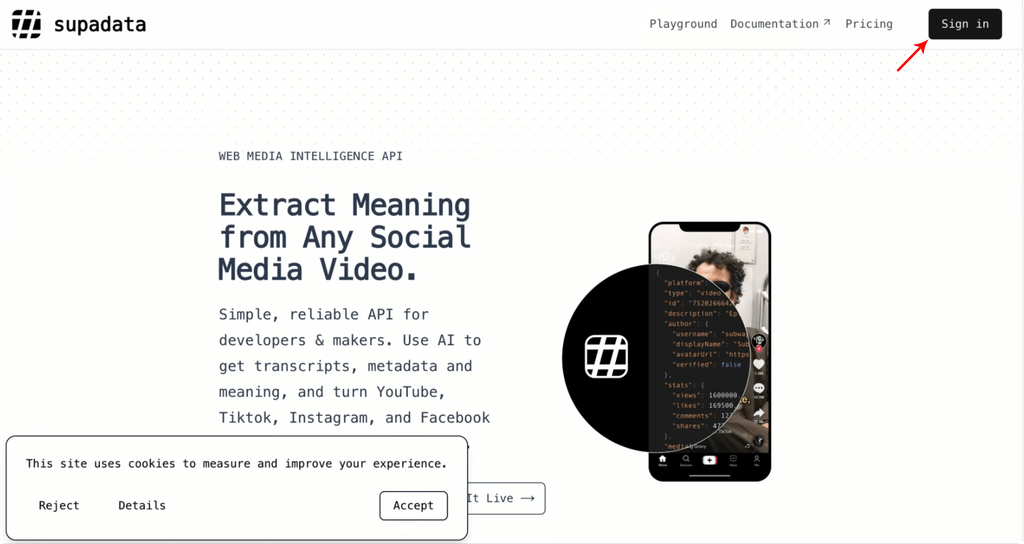
Step 3: Select “Sign Up” and Sign in with your Google Account.
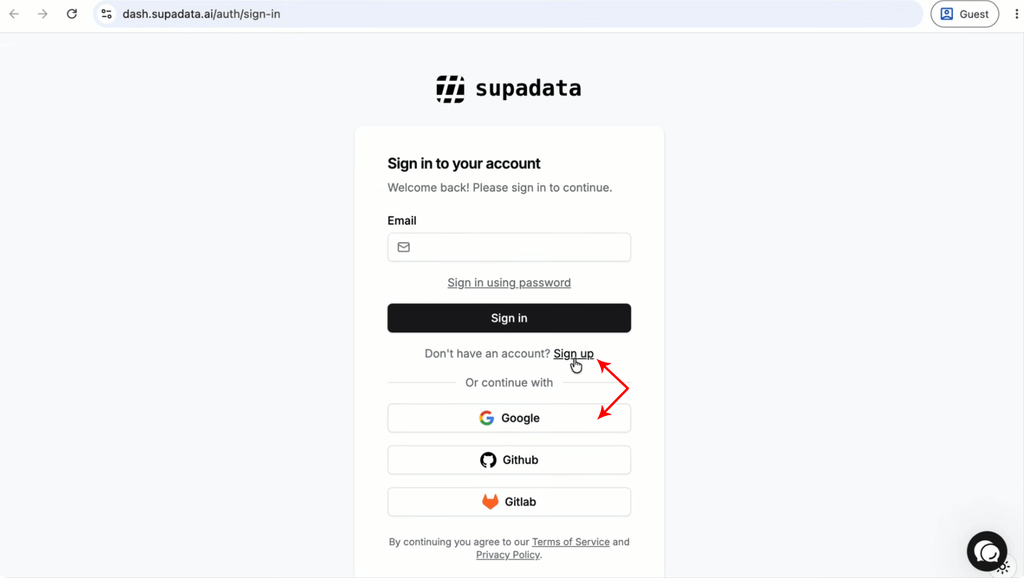
Step 4: Complete a simple survey and Click Continue.
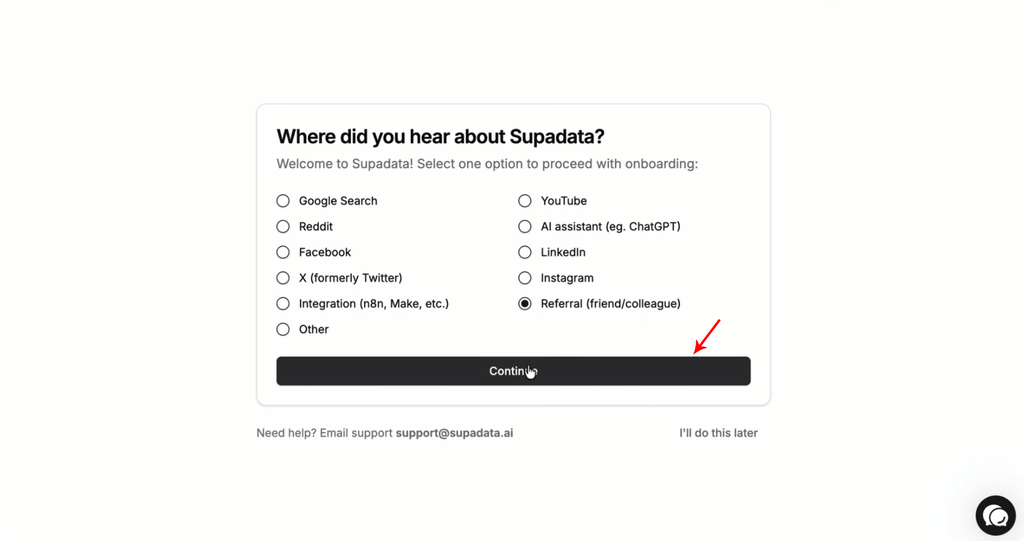
Step 5: Your API Key is ready! If you want to create more API Keys, continue to Step 6.
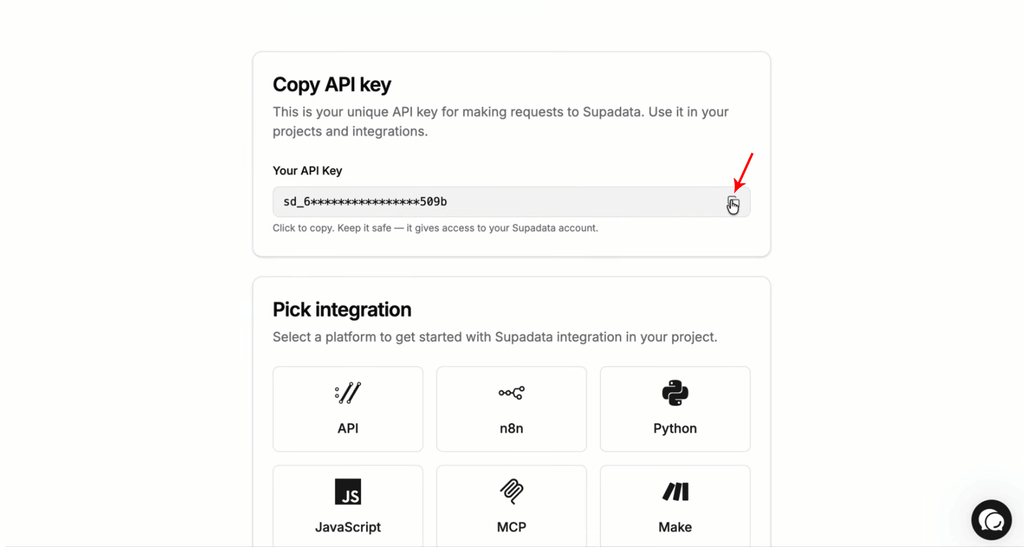
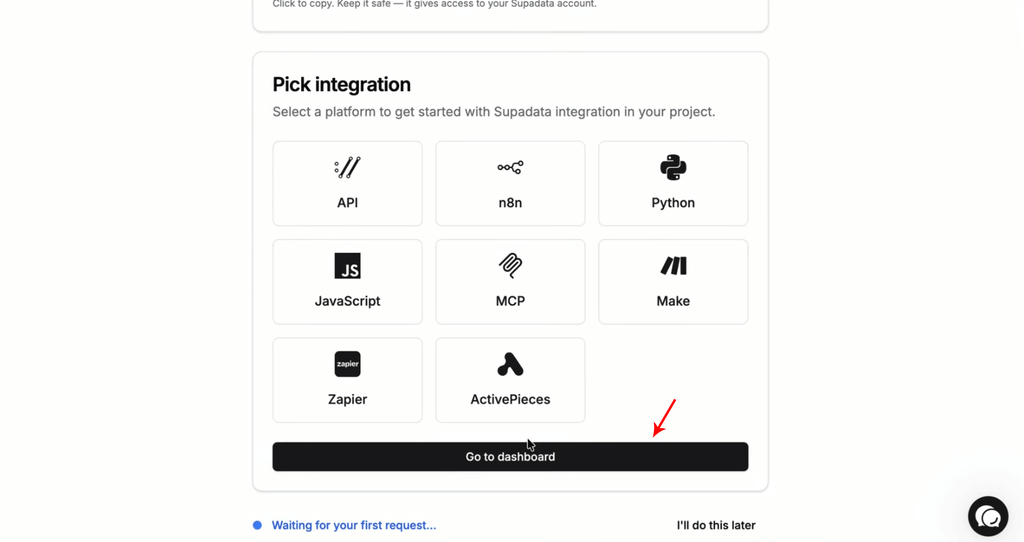
Step 6: Scroll down and click on the “Go to Dashboard” button.
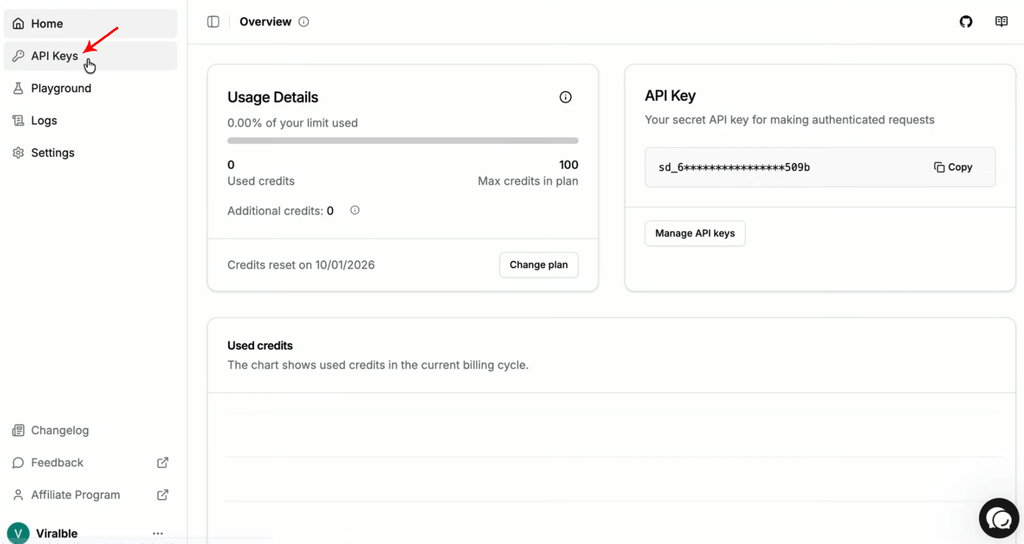
Step 7: Click on the “API Keys” tab on the left panel.
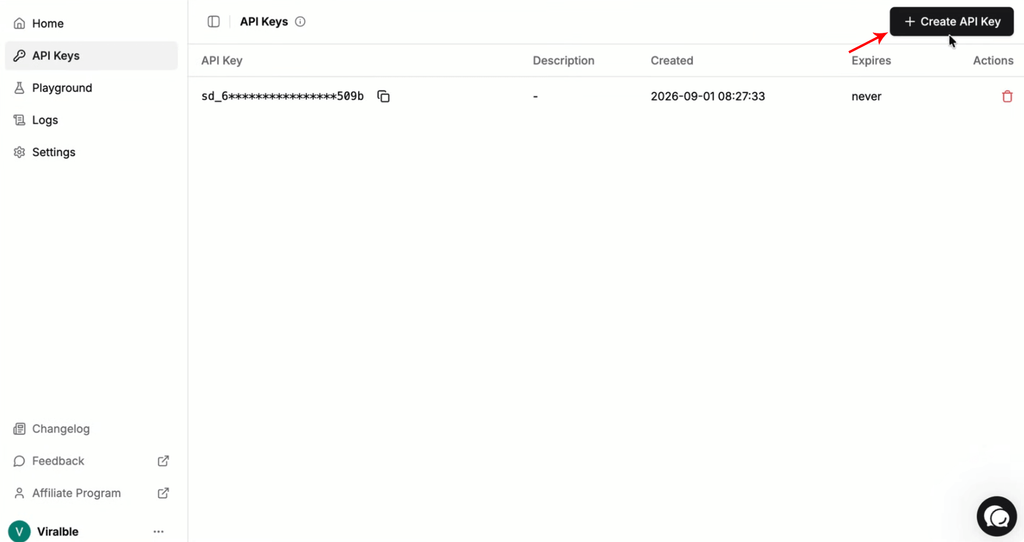
Step 8: Then, click on the “Create API Key” button on the top right corner of the page.
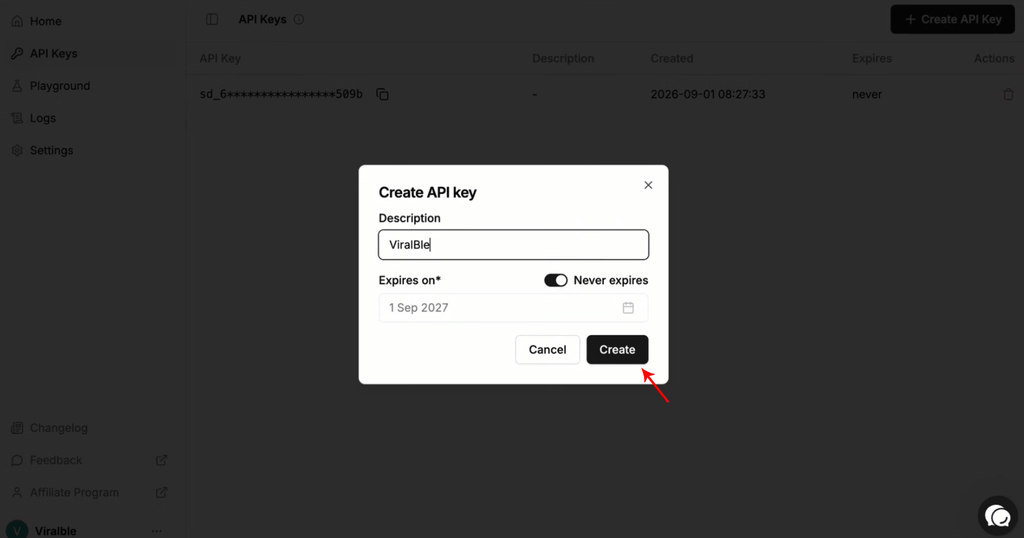
Step 9: Give the API Key a name, set its expiry (if necessary), and click Create.
Step 10: A new API Key is ready. Copy it and enjoy the Supadata API Key. If you are using ViralBle PRO, you can continue to step 11 and see what ViralBle PRO can do for you.
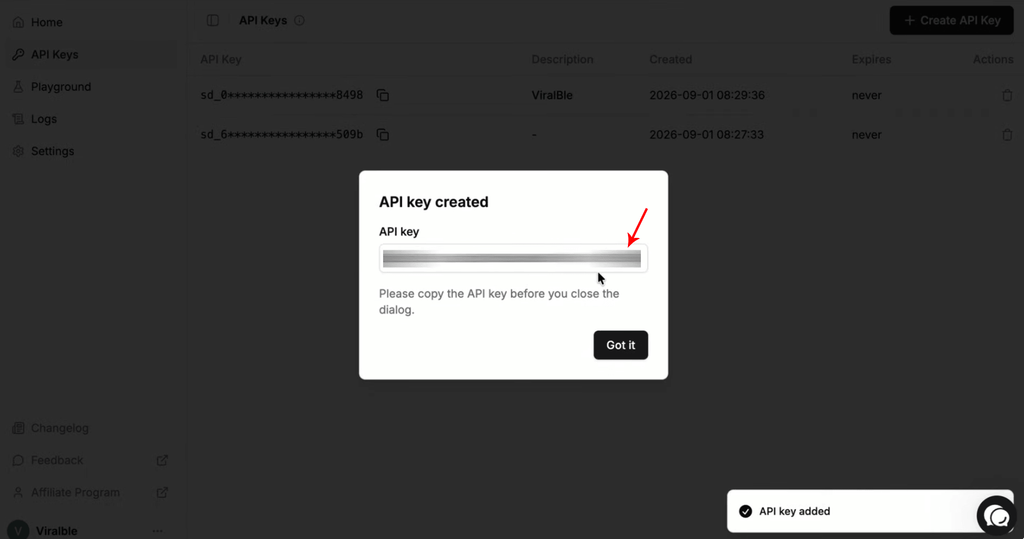
Step 11: Go to ViralBle.com, click on the “Login” button, and login to ViralBle PRO.

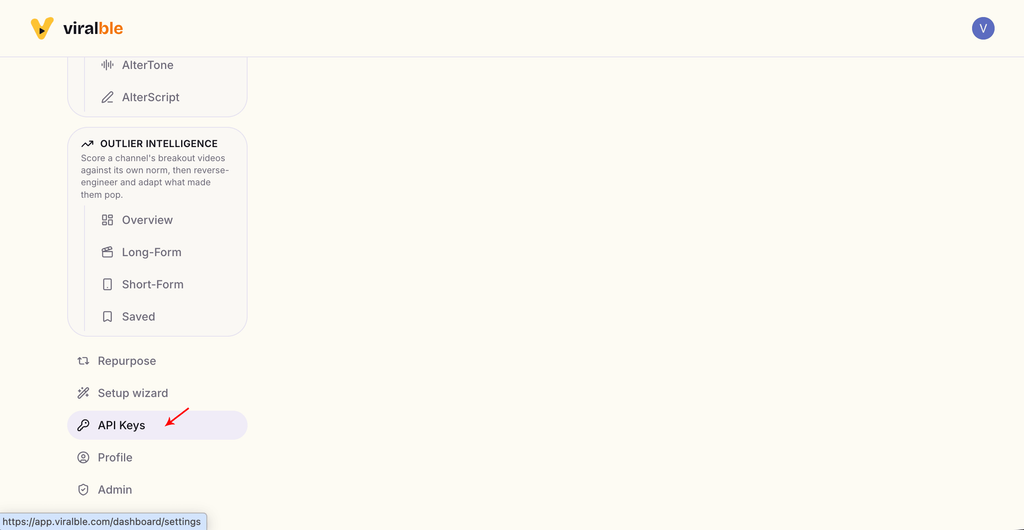
Step 12: Scroll down and click on the “API Keys” tab.
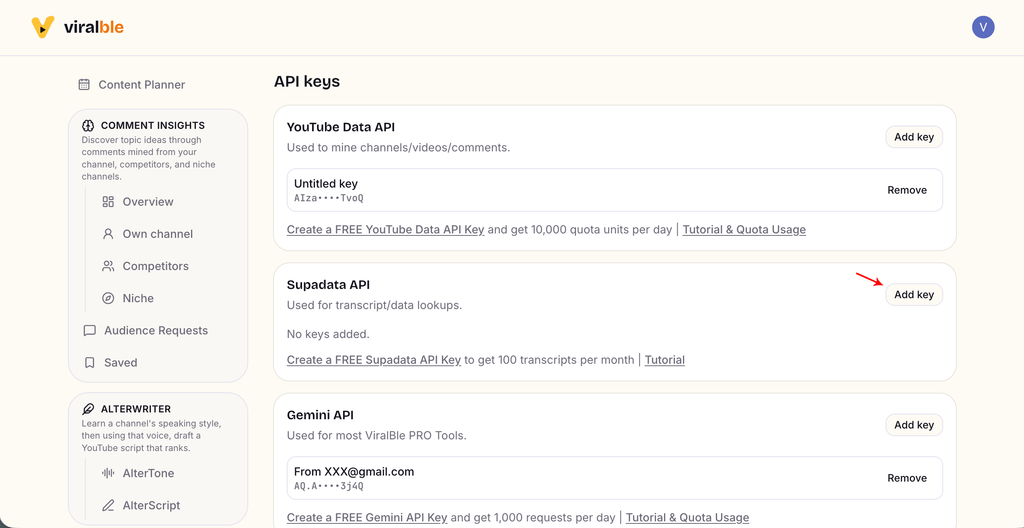
Step 13: Find the Supadata API card and click on the “Add Key” button.
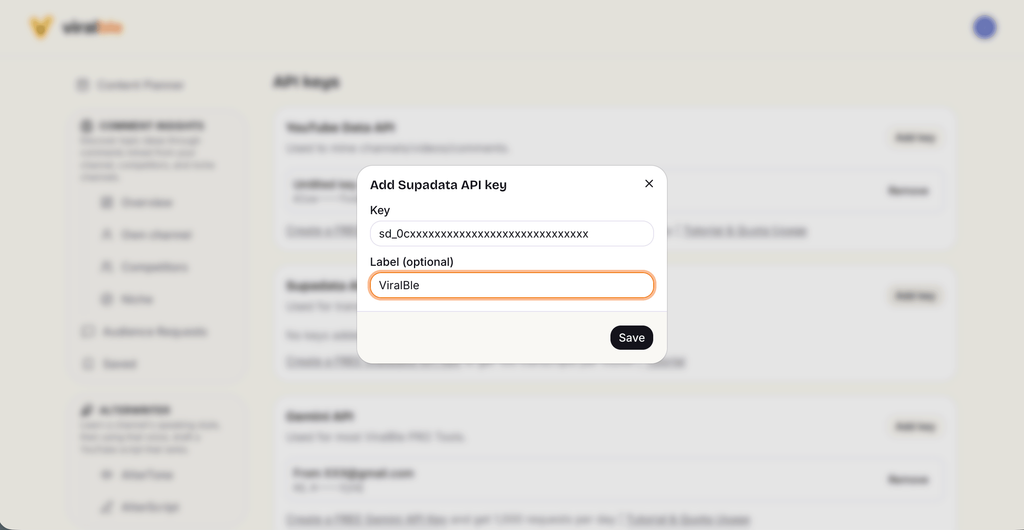
Step 14: Add your Supadata API Key & start using ViralBle PRO tools!
Leave a Reply